Image Metadata: Why You Should Remove It Before Sharing
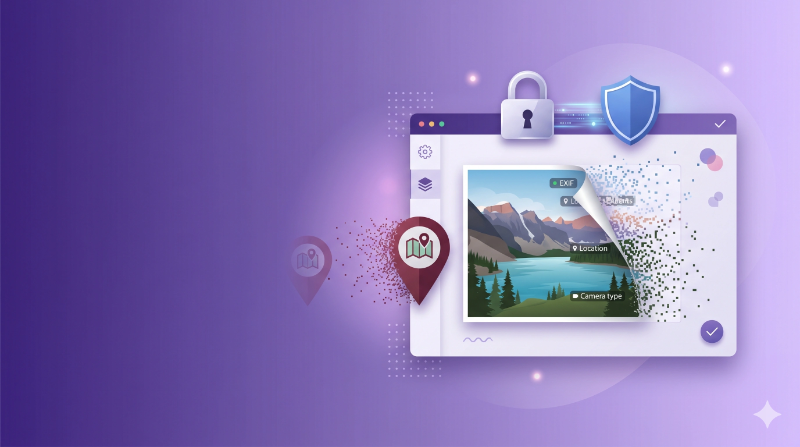
Every photo you take with your phone carries a secret. It’s packed with hidden data that you probably don’t even know about.
This hidden data is called image metadata (or EXIF data), and it can include your exact GPS location, your device details, and the exact time the photo was taken. Most people share photos online without realizing any of this is inside the file.
Let’s look at what metadata is, why it’s a problem, and when you should remove it.
What is Image Metadata?
When you take a photo, your phone or camera quietly saves extra information inside the image file. This is called EXIF data, and it happens automatically every single time.
You can’t see this data just by looking at the photo. It’s hidden inside the file. But anyone who downloads your image can easily read it with the right tools.
What’s Actually Hidden in Your Photos?
Here are some common things stored in the metadata of a phone photo:
- Your exact location - GPS coordinates showing where the photo was taken, often accurate to a few meters
- Your device info - Phone model, camera settings, lens type, and even your software version
- Date and time - The exact moment the photo was taken
- Editing history - If you cropped or edited the photo, some of that info might be saved too
The GPS part is the most concerning. If you take a photo at home and share it online, someone could figure out your address from the metadata.
Why Should You Remove It?
1. It’s a Privacy Risk
This is the main reason. Sharing a photo with GPS data is the same as sharing your location with everyone online. For photos taken at home, at work, or anywhere private, this is a real concern.
Platforms like Instagram and Facebook remove metadata when you upload. But if you post images on your own blog, portfolio, or website, that data stays in the file.
2. It Adds Extra File Size
Metadata might seem small, but it adds up. A single image can carry several kilobytes of EXIF data. If you run a website with hundreds of images, that’s extra weight your pages don’t need. Every byte matters for page speed.
3. It Keeps Your Files Clean
If you’re building a portfolio or business website, metadata is just unnecessary data. Removing it gives you cleaner files and a more professional setup. There’s no reason to keep camera settings inside a product photo.
💡 Pro Tip
Make it a habit to remove metadata before uploading anything to a public website. It takes just a few seconds and protects you from risks you might not think about. This is especially important for personal photos with location data.
FAQs
What exactly is EXIF data?
It’s hidden information that your camera or phone saves inside every image file. Things like GPS location, device model, date, time, and camera settings. You can’t see it by looking at the photo, but it’s there.
Does removing metadata change the image quality?
No. Metadata is separate from the actual image. Removing it doesn’t change a single pixel. Your photo looks exactly the same, just without the hidden data.
Is it safe to share photos without removing metadata?
It depends on where you’re sharing. Social media platforms usually remove it for you. But if you upload to your own website, blog, or send images by email, the metadata stays. For personal photos, it’s always better to remove it first.
Conclusion
Image metadata is something most people never think about, but it can share more than you want. Your location, your device, your daily routine. It’s all sitting inside your image files. The fix is simple: remove the metadata before sharing, especially for anything going on a public website.
👉 Use our Metadata Remover tool to clean your images instantly without losing quality.