PNG vs WebP: Which Image Format Should You Use?
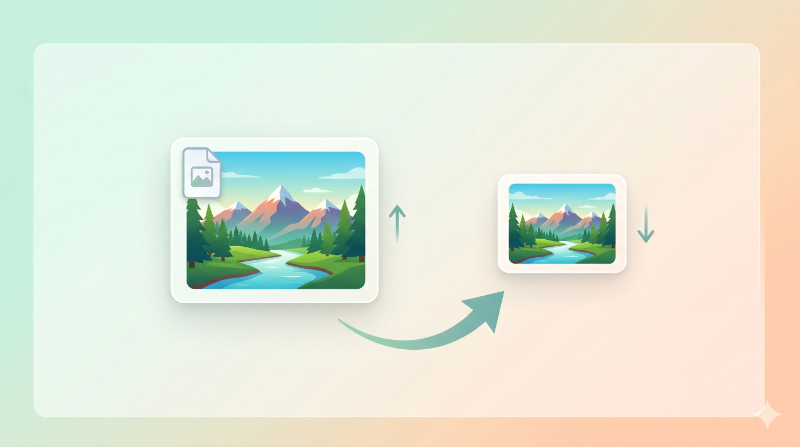
If you’re building a website or working with images online, you’ve probably asked yourself this question: should I use PNG or WebP?
Both formats are solid options, but they’re not the same. One gives you smaller files and faster pages. The other gives you maximum compatibility and editing flexibility.
Let’s compare them side by side so you can pick the right one.
PNG vs WebP: Quick Comparison
| Feature | PNG | WebP |
|---|---|---|
| Compression | Lossless only | Lossy and Lossless |
| File Size | Larger | 25 to 35 percent smaller |
| Quality | High | High (similar to PNG) |
| Transparency | Yes | Yes |
| Animation | No | Yes |
| Browser Support | Very High | 97 percent and above |
| Best For | Design and editing | Websites and web apps |
File Size Difference
This is where WebP really shines. In almost every case, WebP creates noticeably smaller files:
- Photos: WebP is about 25 to 35 percent smaller than PNG
- Graphics and logos: WebP is about 15 to 25 percent smaller
- Transparent images: WebP is about 20 to 30 percent smaller
That’s a big difference, especially if your website has lots of images. Smaller files mean faster page loads and better user experience.
Want to see the difference yourself? Try converting a file with our PNG to WebP Converter tool.
Image Quality
PNG uses lossless compression. That means every single pixel stays exactly the same. No quality is lost, ever.
WebP can do both lossy and lossless compression. If you use lossless mode, the quality is identical to PNG. If you use lossy mode at around 80 percent quality, most people can’t tell the difference from PNG. The images look the same to the human eye, but the file is much smaller.
Transparency Support
Both formats support transparent backgrounds. So if you’re working with logos, icons, or any image that needs a see-through background, either format will work fine.
This is one area where there’s no real difference between the two.
Browser Support
A few years ago, WebP wasn’t supported everywhere and that was a valid reason to avoid it. But that’s no longer the case.
Today, WebP works in Chrome, Firefox, Safari, Edge, and Opera. That covers over 97 percent of all browser users. Unless your audience is using very old browsers, WebP is safe to use.
When to Use PNG
PNG is still a better choice in certain cases:
- Design and editing work. If you’re editing an image multiple times, PNG keeps full quality every time you save. No quality loss from compression.
- Maximum compatibility. If you’re sending images to someone who might use older tools or systems, PNG is the safer pick.
- Print-ready files. For images that will be printed, PNG’s lossless quality is important.
When to Use WebP
WebP is the better choice for most online use:
- Websites and blogs. Smaller files mean faster loading and better SEO.
- E-commerce stores. Faster product images lead to better user experience and more sales.
- Web apps. If performance matters, WebP helps keep things fast.
- Any situation where file size matters. WebP gives you a clear advantage.
💡 Pro Tip
For most websites, the smart approach is to use WebP as your default format and only fall back to PNG when you specifically need lossless quality or maximum compatibility. This gives you the best balance of speed and quality.
FAQs
Is WebP better than PNG?
For websites, yes. WebP gives you smaller file sizes with quality that looks the same as PNG. For editing and design work, PNG is still better because it’s fully lossless.
Does WebP support transparency?
Yes. WebP supports transparent backgrounds just like PNG. You can use it for logos, icons, and any image that needs a see-through background.
Can I convert PNG to WebP without losing quality?
Yes. If you use lossless WebP compression, the quality stays exactly the same. The file just gets smaller.
Conclusion
PNG is a reliable format that’s been around for a long time, and it’s great for design work and editing. But for websites and online use, WebP is the better choice in most cases. It gives you smaller files, similar quality, and it works in almost all modern browsers.
If you haven’t switched to WebP yet, now’s a good time to start.
🚀 Convert PNG to WebP Easily
Want to reduce your image sizes without losing quality?
👉 Use our PNG to WebP Converter tool to convert your images quickly and speed up your website.